
Travel Light, Charge Fast, Arrive Ready
Today we explore ultra-compact power banks and GaN chargers for multi-leg trips, showing how to keep phones, tablets, and lightweight laptops alive through long connections, delayed flights, and overnight transfers. Expect practical airline rules, port and protocol picks, packing tricks, and real stories from crowded gates. Grab actionable checklists, confidence for unpredictable itineraries, and friendly guidance that helps you travel lighter, charge faster, and arrive with battery to spare, every single segment.
Packing Serious Power in a Tiny Footprint
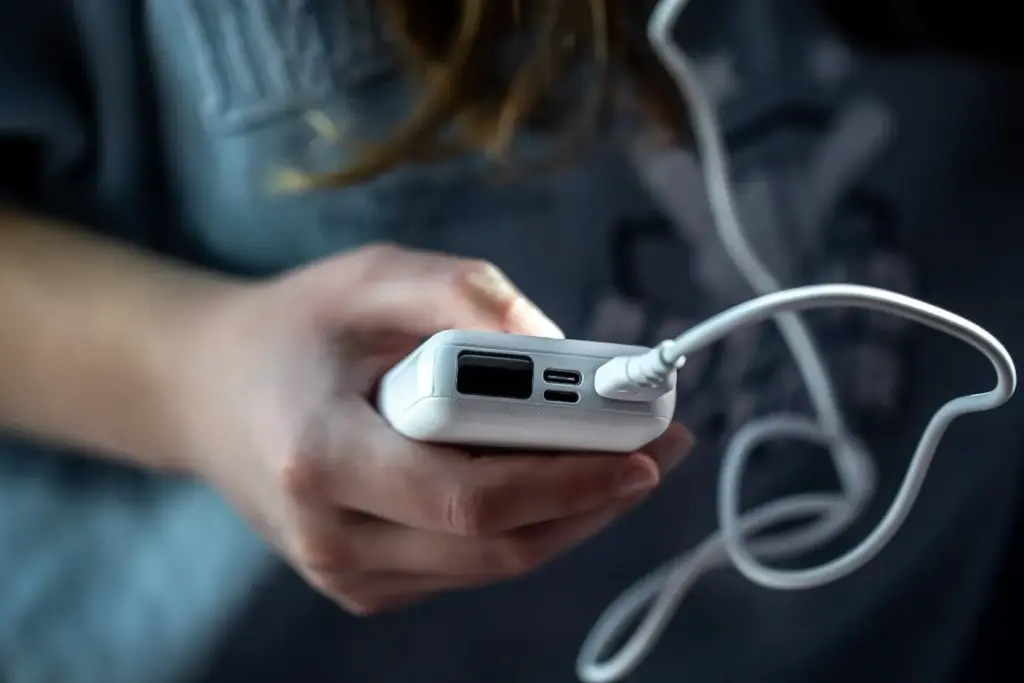
Choosing the right pocketable battery means balancing airline compliance, usable capacity, and charging speed without adding bulk. We’ll translate confusing milliamp-hours into watt-hours, explain why 10,000–20,000 mAh models shine on convoluted routes, and highlight pass-through charging, integrated cables, and sturdy shells. Expect guidance grounded in airport realities, not lab fantasies, so your kit feels invisible in your bag yet dependable when gates change, delays stack, and outlets disappear before boarding.

Understanding Airline Limits and Watt-hours
Most carriers cap spare lithium batteries at 100 Wh in carry-on, with 100–160 Wh requiring airline approval and none allowed in checked baggage. Convert capacity by multiplying milliamp-hours by 3.7 V, then dividing by 1,000. A 10,000 mAh bank equals about 37 Wh; 20,000 mAh is roughly 74 Wh. Label visibility matters during security checks, and multi-leg itineraries mean the strictest segment rules apply, so plan conservatively and carry documentation or product spec sheets.
Choosing Ports, Protocols, and Real Output
For fast, reliable charging, prioritize USB‑C Power Delivery with PPS support; it speeds iPhones with 20 W adapters, boosts Pixels, and unlocks optimal rates for modern Samsung devices. Small banks often deliver 18–30 W, enough for tablets and lightweight laptops in a pinch. Check simultaneous output limits, efficiency losses, and passthrough behavior. Real-world speed depends on cable quality, battery temperature, and negotiated profiles, not just glossy box claims or optimistic marketing graphs.
GaN Chargers That Shrink the Layover
{{SECTION_SUBTITLE}}
Right Wattage for Your Device Mix
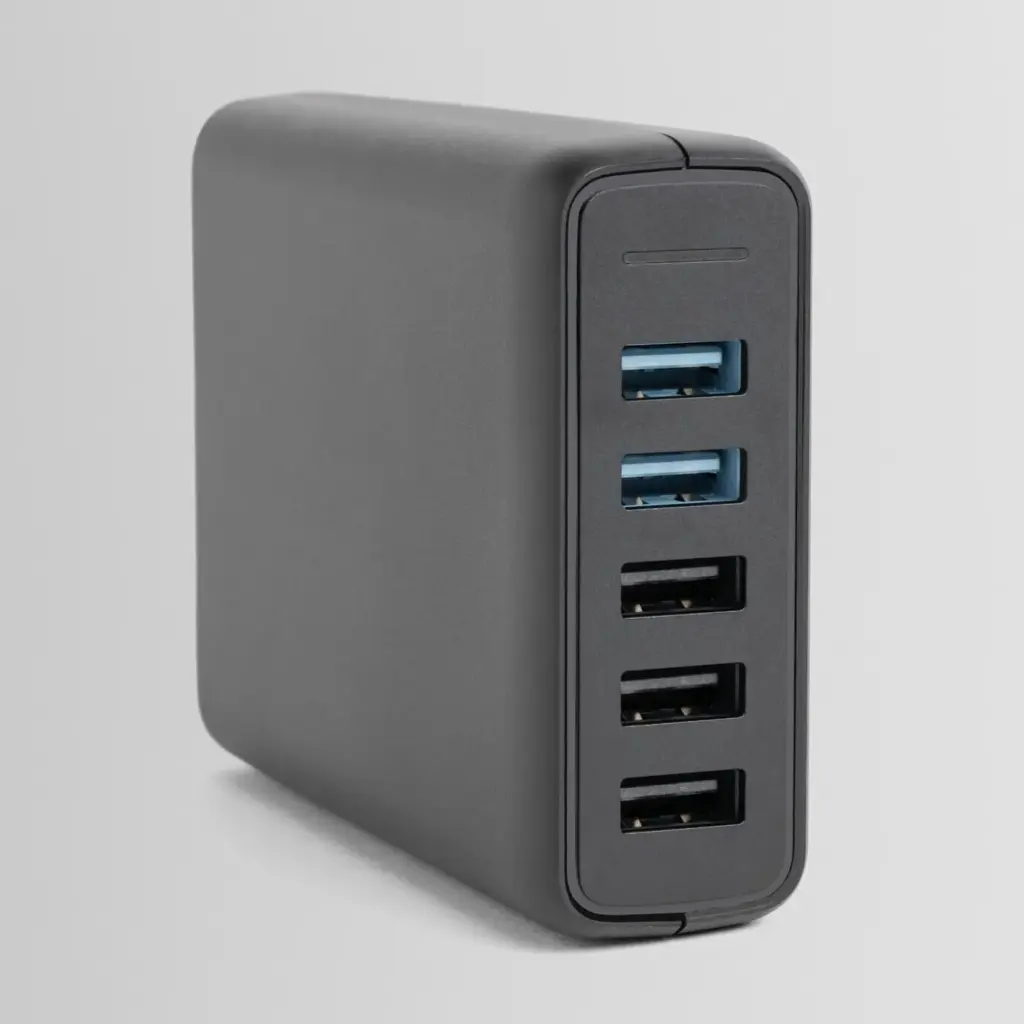
Match output to your heaviest hitter. Many ultrabooks sip happily at 30–45 W, while 65 W covers most scenarios and 100 W handles demanding USB‑C laptops. Add headroom for phones and tablets sharing ports. Understand derating when multiple devices connect: a 65 W charger may split into 45 W plus 20 W. Knowing these real splits prevents disappointments during tight layovers, letting you prioritize the gear that must reach usable levels first.
Dynamic Power Sharing and Protocol Priority
Some chargers renegotiate power every time you plug a new cable, briefly interrupting current. If your laptop is sensitive, place it on the highest‑priority port and add phones last. Look for clear labeling and manuals showing allocation maps. Support for PD, PPS, and legacy protocols ensures quick top‑ups across brands. Practicing the exact plug‑in order at home avoids stressful surprises beside a crowded concourse when boarding groups are already forming.
Charging Strategy for Multi‑Leg Journeys
Charging from twenty to eighty percent is efficient and fast, especially during short layovers. Focus on quick top‑ups rather than full cycles, then finish at the hotel. Set reminders as you taxi to the gate. Keep cables accessible, not buried. Consider a compact stand for upright use while watching departure boards. Little habits compound across segments, ensuring you land capable of navigating visas, rideshares, and late‑night directions without battery anxiety.
Airline outlets vary wildly; never yank another traveler’s plug or stretch cables across aisles. Sit close to sockets, use short leads, and check for heat buildup during long charges. Keep power banks in carry‑on, never checked, and protect ports from debris. Respect crew instructions about unplugging during taxi, and be ready to revert to offline modes quickly. Courtesy keeps options open when everyone is hunting the same scarce electrons.
Our connection shrank to forty minutes after a storm, and every outlet near the gate was occupied. A tiny 30 W GaN charger and short cable fit beneath a signage ledge, letting the laptop grab twenty meaningful percent while the phone topped quickly. Practicing the plug sequence at home prevented renegotiation glitches, and we boarded calm, maps cached, boarding passes synced, and contingency messages sent before the next plane even pushed back.
Cables, Connectors, and Tiny Accessories
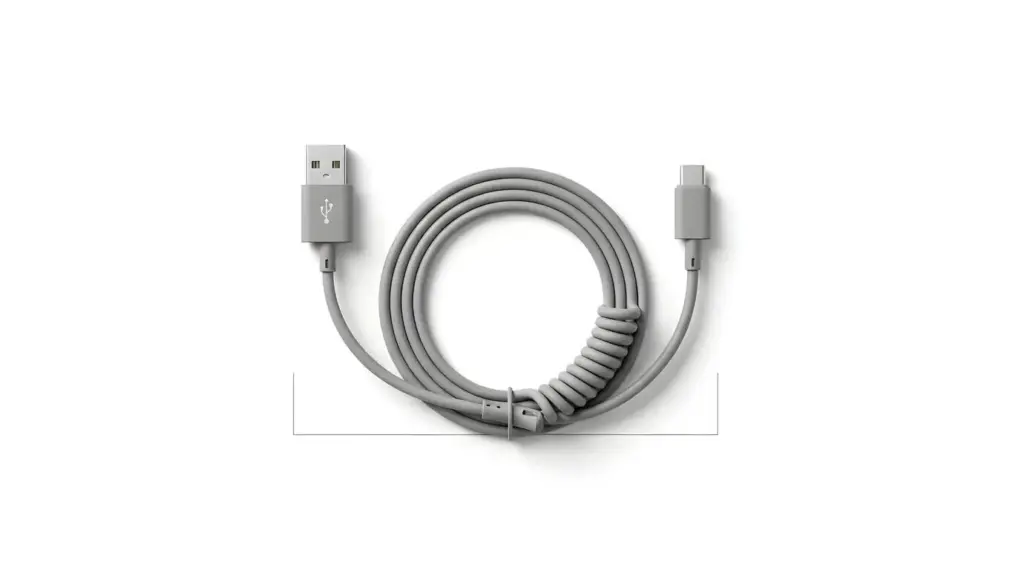
The smallest items create the biggest convenience. A single e‑marked USB‑C cable rated for 100 W or more handles nearly everything, while a short backup keeps trays tidy. Add a compact USB‑C to Lightning adapter if needed, and label ends for quick grabs. We’ll cover lengths, data versus charge capability, and organizers that prevent tangles, so your bag stops swallowing time during frantic gate changes and turbulent midnight seat swaps.

Safety, Standards, and Reliability
Not all compact power gear is equal. Seek reputable brands tested against UL, CE, and FCC requirements, plus IEC 62368‑1 compliance for information‑technology equipment. Look for multiple protection circuits, flame‑retardant enclosures, and honest documentation. Counterfeits may skip protections entirely, risking heat, throttling, or failure. We’ll decode spec sheets, demystify capacity math, and show how to spot red flags at a glance, keeping your itinerary powered and your peace of mind intact.
Reading Spec Sheets Without Falling for Marketing
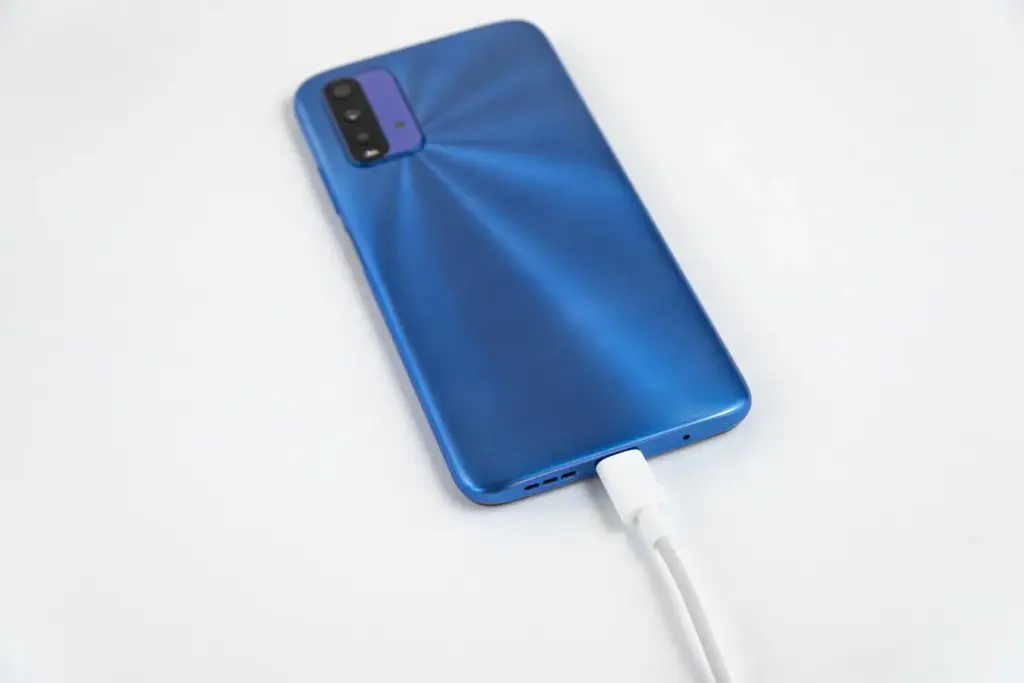
Manufacturers quote milliamp‑hours at cell voltage, not output voltage, so usable energy is lower after conversion and losses. Expect around sixty to seventy percent of the labeled capacity at five volts under realistic loads. Scrutinize fine print for PD versions, PPS ranges, and simultaneous output limits. Avoid vague claims like “smart fast charge,” and prefer charts that detail negotiated profiles, thermal throttling behavior, and recovery time after protection trips during continuous use.

Heat Management in Tight Spaces
Charging inside stuffed backpacks traps heat and slows electronics. Give banks and chargers breathing room, stand them on edges for airflow, and avoid direct sun near windows. GaN runs cooler than many silicon designs at equivalent loads, but it still needs ventilation. If surfaces feel too hot to touch comfortably, pause, rearrange, and resume. A few mindful seconds protect cells, preserve performance across connections, and keep your travel kit trustworthy for years.

Warranty, Support, and Global Service
Reliable brands back products with clear warranties and responsive support channels. When crossing borders, replacement time matters more than marketing claims. Favor companies with regional warehouses or proven retailer networks. Register devices, keep receipts digitally, and note serial numbers before departure. If something fails mid‑itinerary, documented proof plus visible safety marks smooth conversations. Quick resolutions keep trips on track while avoiding questionable kiosks selling unknown hardware with dazzling stickers and uncertain internals.
Sustainability and Longevity on the Road
Mindful choices reduce waste and extend usefulness. Smaller, efficient chargers replace several bulky bricks; quality cables outlast cheap bundles; and caring habits keep lithium cells healthy. Together, these decisions cut replacements, save money, and lighten luggage. We’ll share simple routines that preserve capacity, clarify when upgrades truly help, and outline responsible end‑of‑life steps no matter where your itinerary ends, from regional hubs to remote airports with surprisingly helpful recycling counters.
Care Habits that Extend Battery Life
Avoid frequent full discharges; shallow cycles are gentler. Keep cells near room temperature, never baking on window sills or dashboards. If storing for weeks, leave around half charge and check monthly. Use balanced chargers instead of always pushing maximum power. Replace fraying cables early to prevent arcing damage. These small habits lengthen usable life, reduce surprise failures between connections, and keep your travel kit performing consistently across punishing, zigzagging itineraries.
When to Replace and How to Recycle
Performance drifts downward after hundreds of cycles. If capacity feels halved, cells swell, or charging becomes erratic, retire the unit. Choose certified e‑waste programs, retailer take‑back boxes, or airport bins clearly marked for batteries. Do not toss lithium in regular trash. Back up any data on smart cables, wipe identifiers, and remove stickers. Responsible disposal protects crews, facilities, and fellow travelers while making room for gear that genuinely improves your journeys.
Share, Swap, and Community Tips
Frequent travelers accumulate clever tricks. Swap best finds in the comments: favorite compact banks, resilient cables, and adapters that never slip from walls. Share photos of tidy kits that survive red‑eye sprints. Tell us which airports hide dependable outlets and which lounges loan chargers quickly. Subscribing keeps the conversation rolling, while your stories help newcomers avoid mistakes, stretch budgets, and glide through multi‑leg adventures with dependable, pocket‑sized power on every stretch.